Old School Notepad
Just open it, and start writing. A pocket notebook for your phone.
No splash screen. No dashboard. No picker. Old School Notepad recreates the small top-ring spiral pocket notebook you used to carry everywhere — open the app and the page is already there, ready to write. It's local-first, fast, and frictionless: built to compete with a paper notebook, not a note-taking platform.
Available now on the App Store and Google Play.
A look inside
See it in action
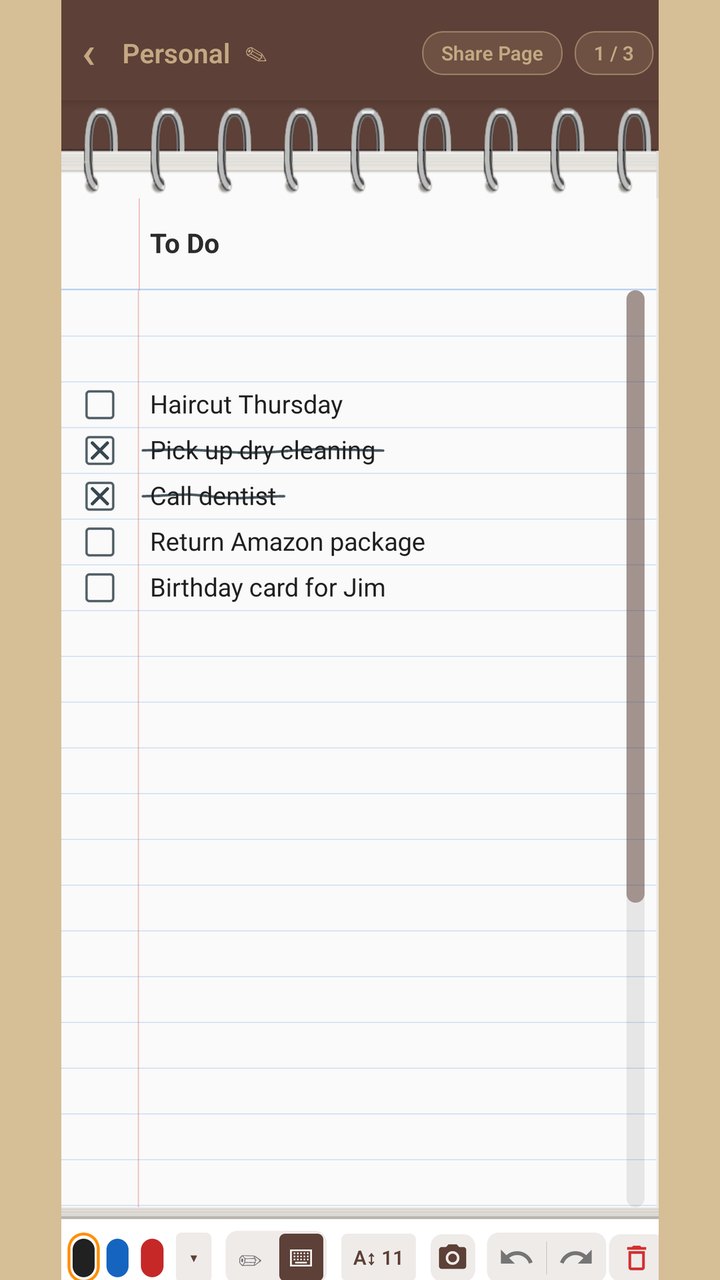
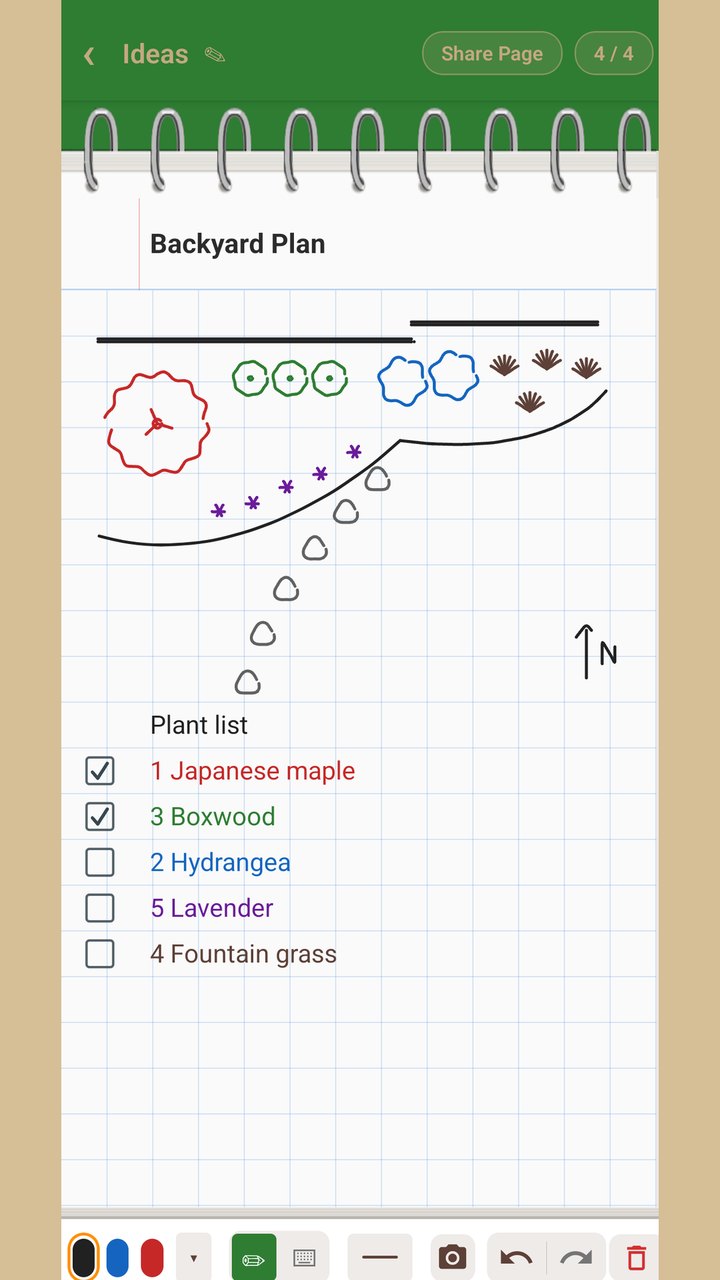
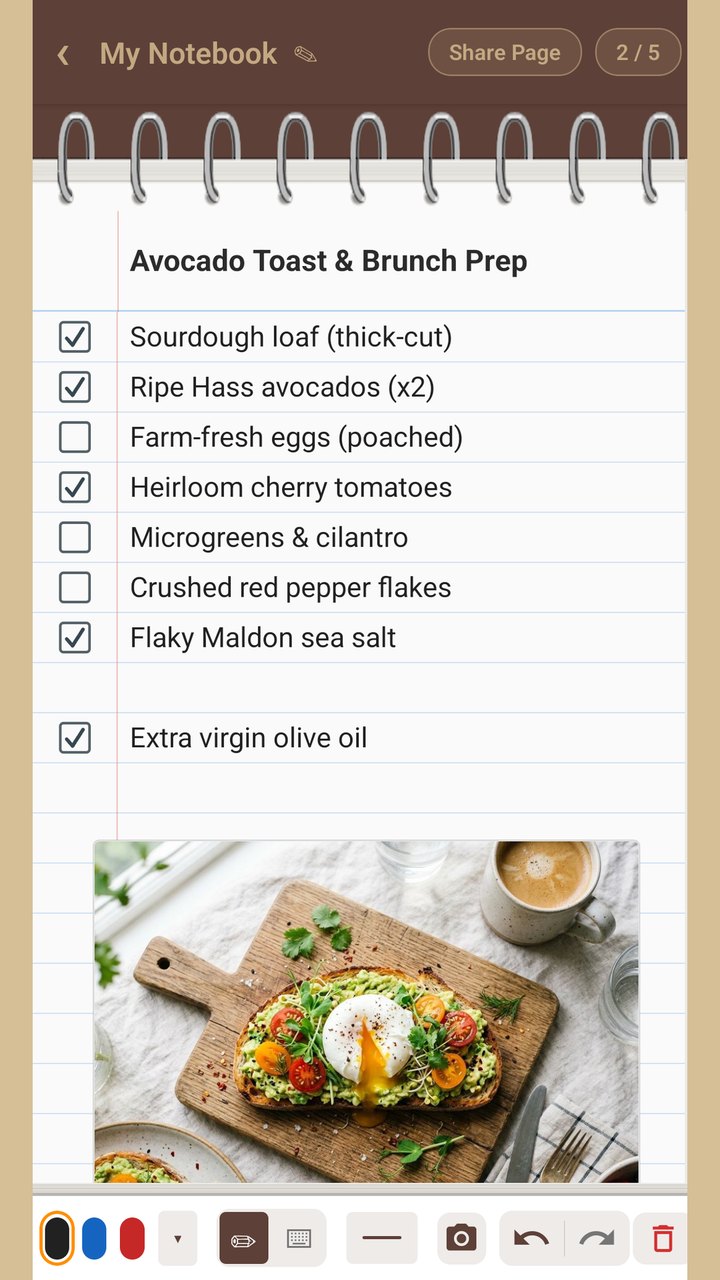
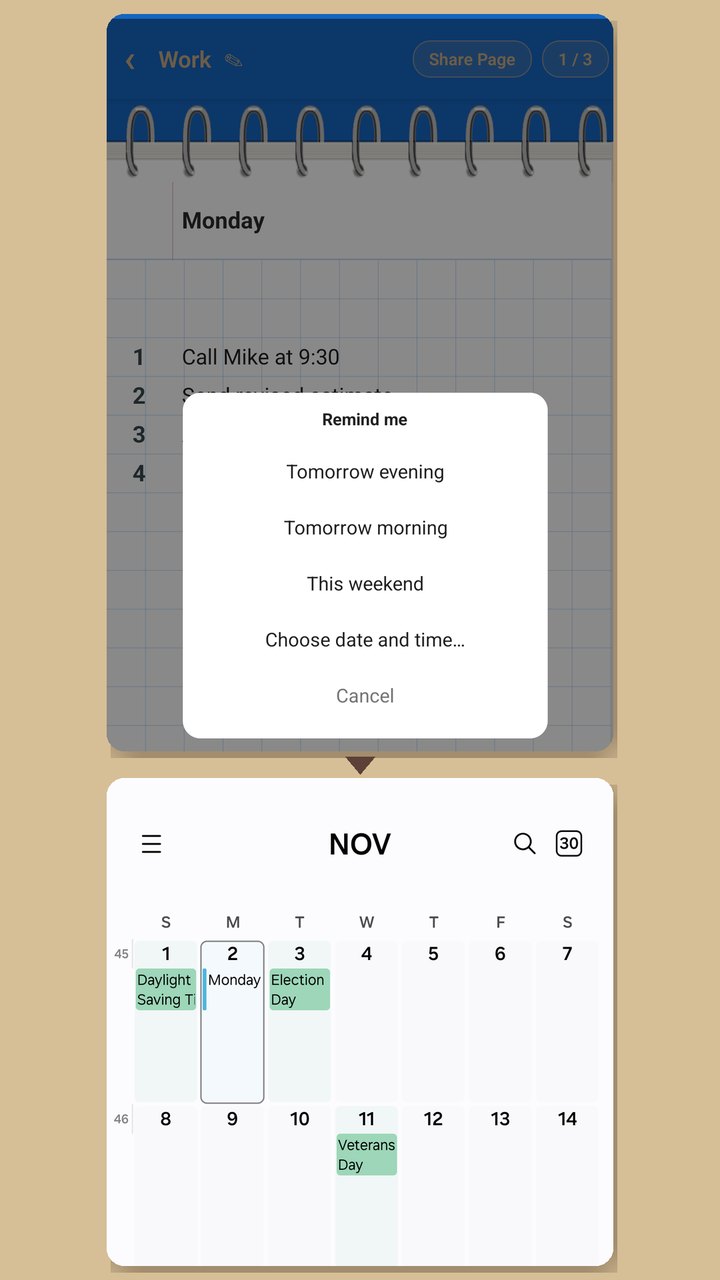
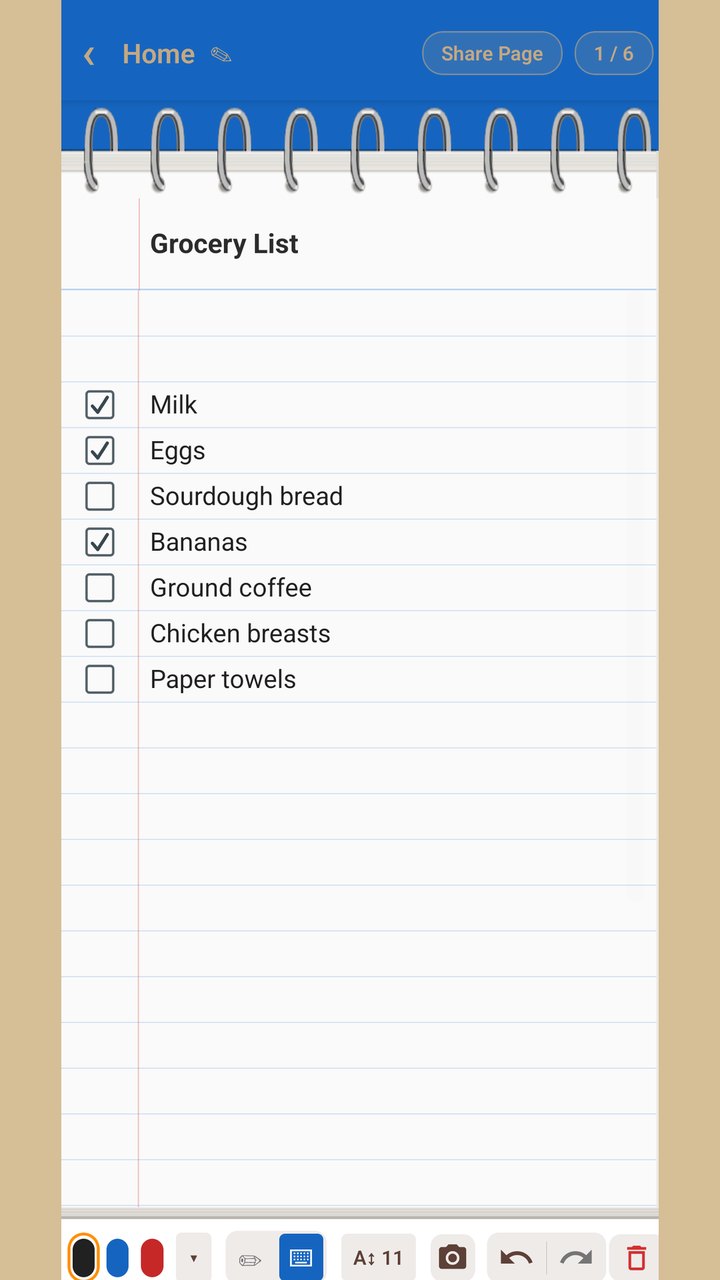
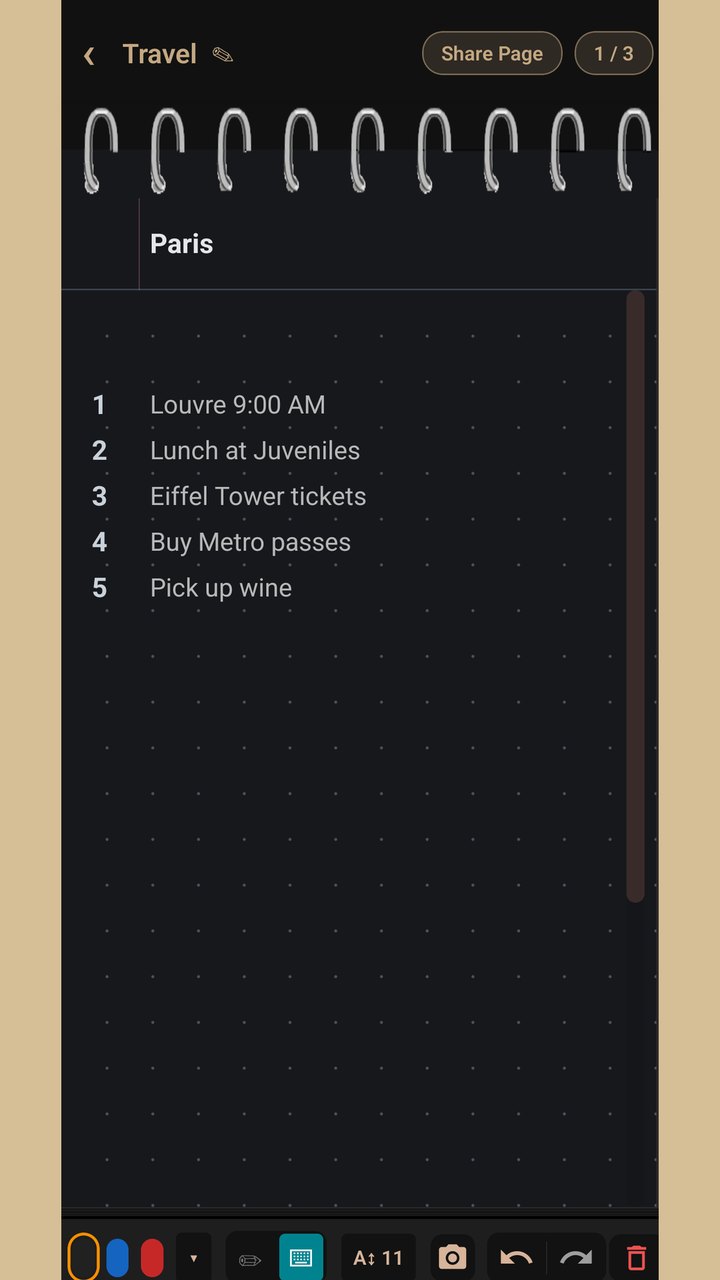
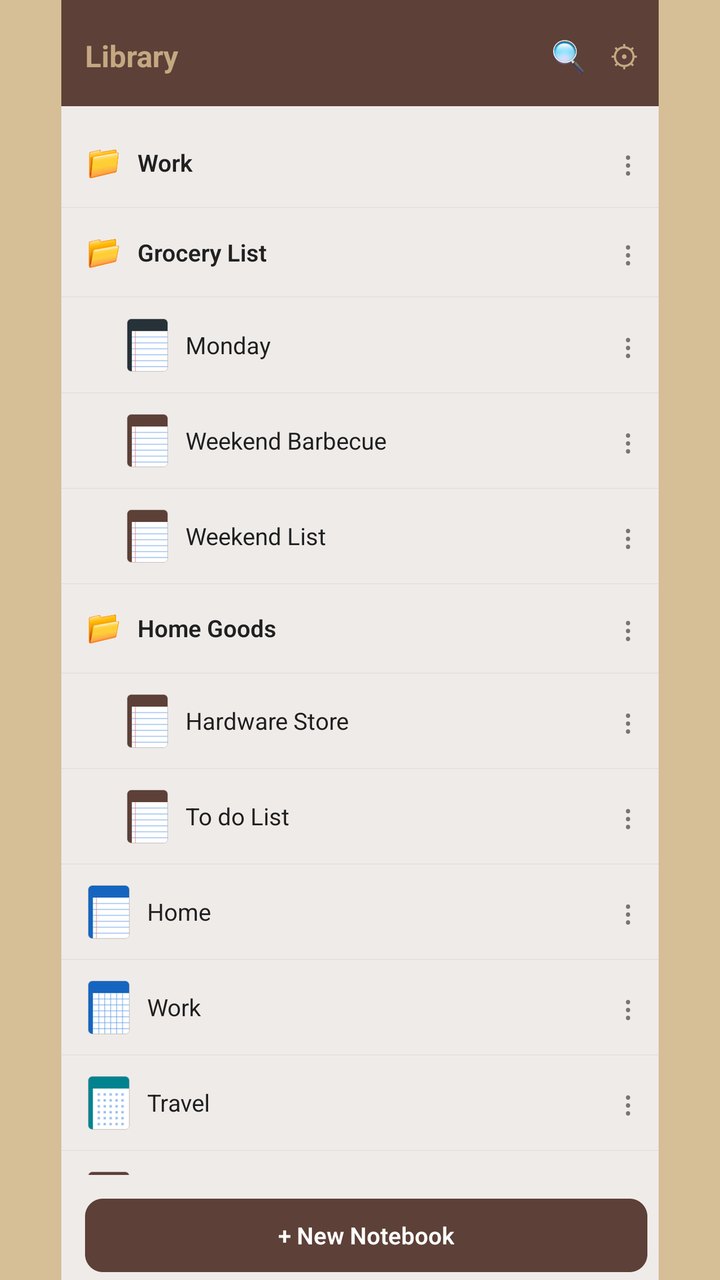
A clean writing surface with a realistic top-ring binder and ruled paper — designed to feel like the real thing.
Why you'll love it
Built to feel like an old school notebook in your hand
Ready to write
Open to your last page and start writing immediately. Type it, speak it, or draw it on the same page.
Local-first & private
No accounts and no cloud backend. Your notes stay on your device unless you choose to export them.
No ads, ever
No advertising in any tier, and no analytics or tracking SDKs in the app.
You own your backups
Manually export a portable file to any destination you pick — your device, Google Drive, OneDrive, and more.
Photos & checklists
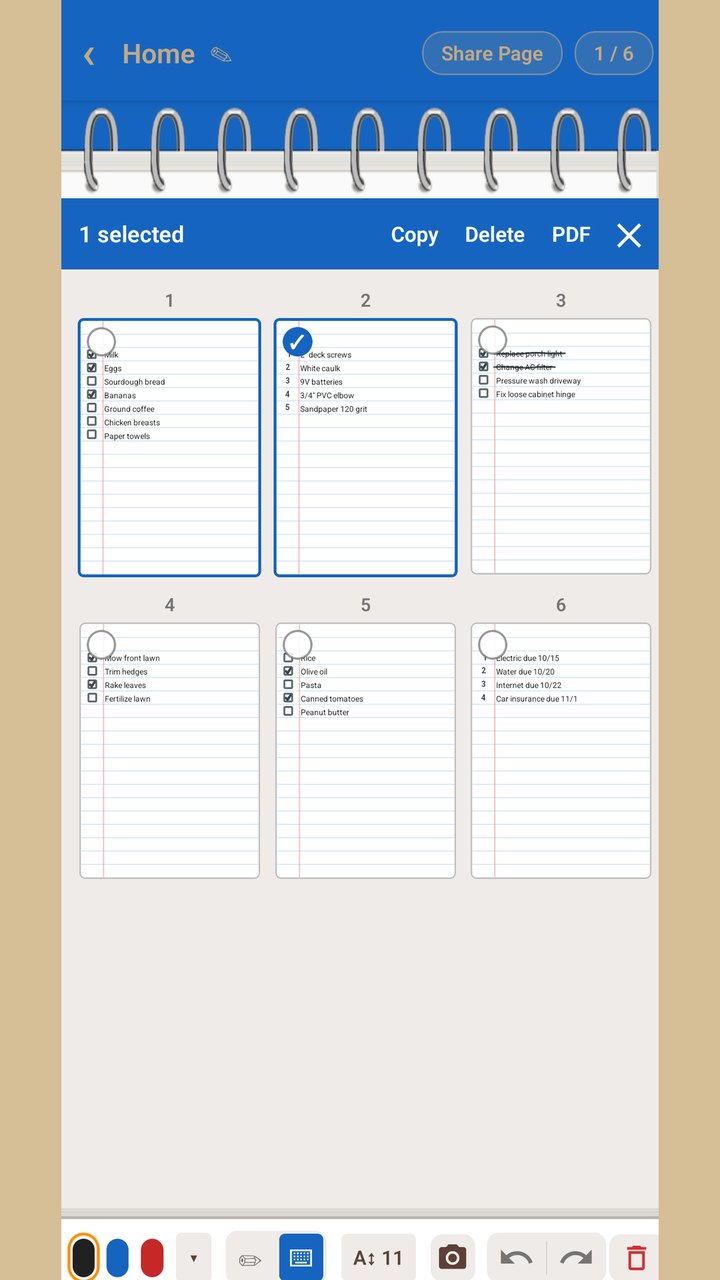
Add photos from your camera or files, jot checklists, and organise pages the way you like.
One-time premium
Optional lifetime unlock for extras like unlimited notebooks and PDF export. No subscriptions.
Information
App details
- DeveloperDrivenAI
- CategoryProductivity
- PriceFree
- In-app purchasesOne-time premium unlock — no subscriptions
- CompatibilityiPhone and Android (iPad runs it as an iPhone app)
- AdvertisingNone
- Internet accessNot used by the release build
- Data collectionNone — see Privacy Policy
Availability
Development status
Available now on iPhone and Android. Old School Notepad is live on the App Store and Google Play.
Get in touch
Contact & support
Questions, feedback, or want to be notified at launch? Email us and we'll be glad to help.
Visit the support page · Read our privacy policy · Terms of use